Our Powerful Tools
Everything you need to edit, optimize and perfect your images in one place

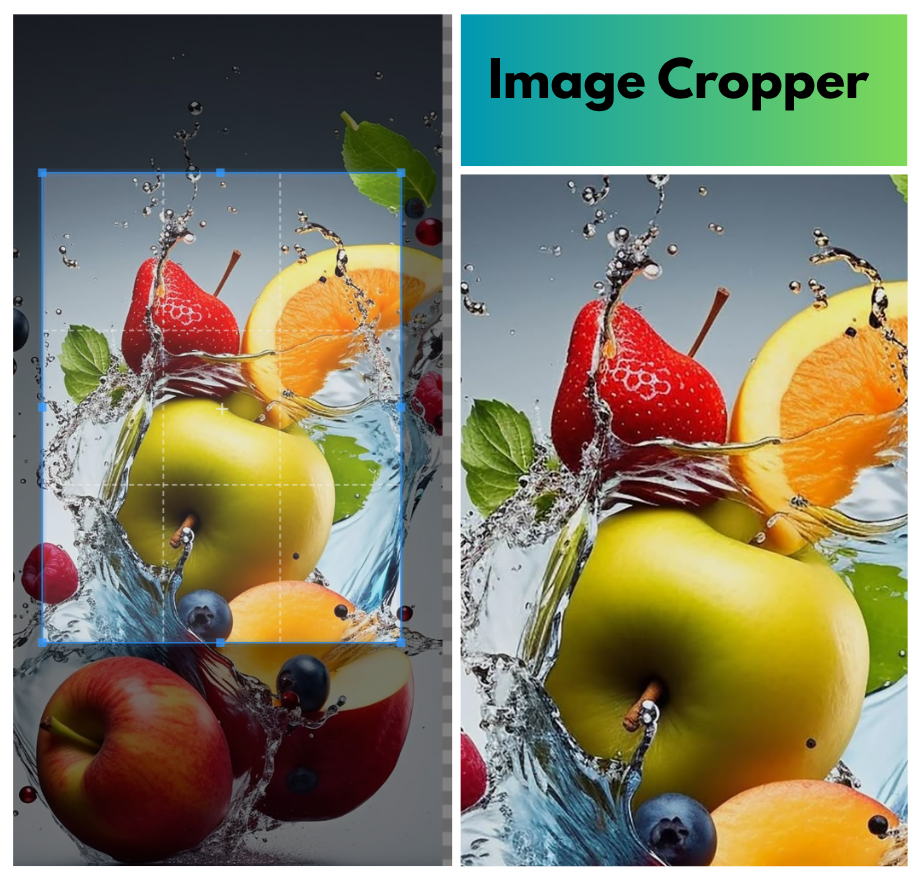
Image cropper
Crop images to any size or aspect ratio with pixel-perfect precision. Ideal for social media posts, thumbnails, and profile pictures. Supports custom.
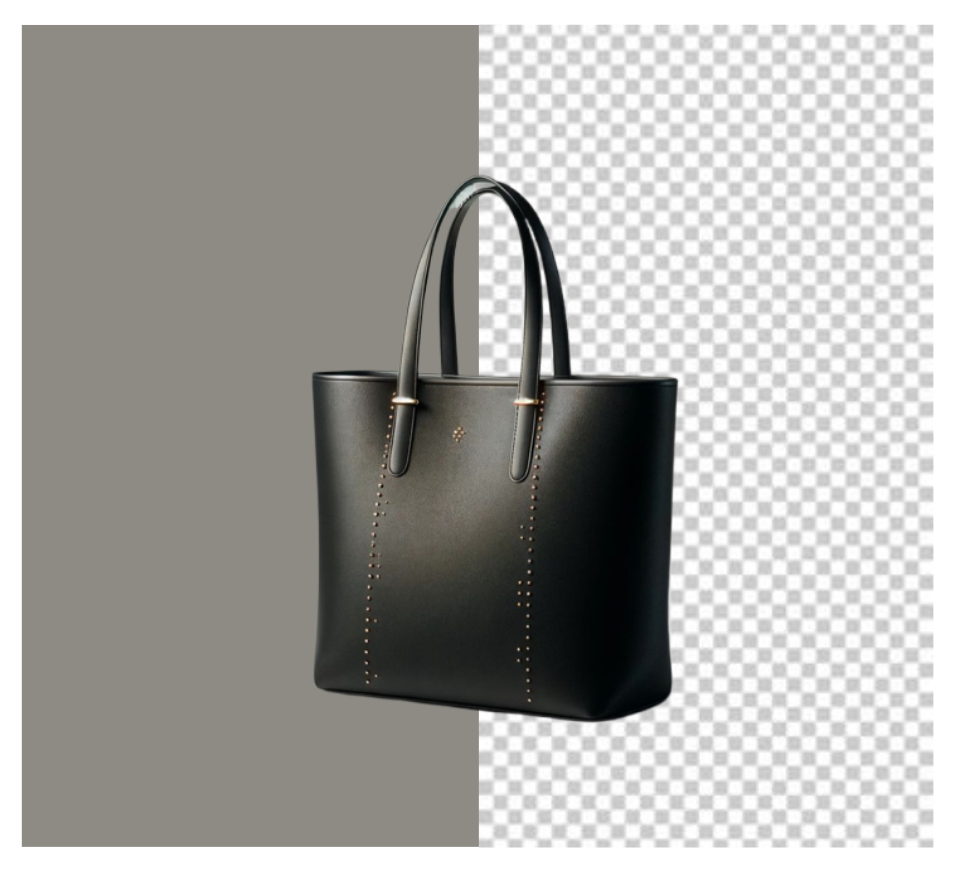
Background Remover
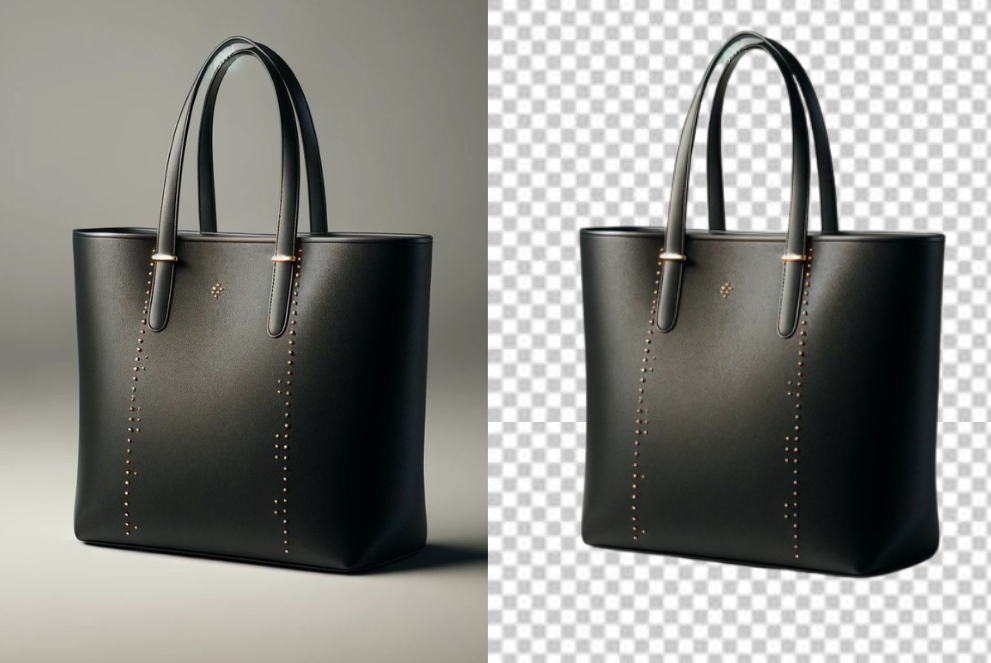
Background Remover Tool Online | Fast & Free Image Editing with AI precision. Get transparent PNGs in seconds. Perfect for product photos, profile pictures, and graphic design projects..
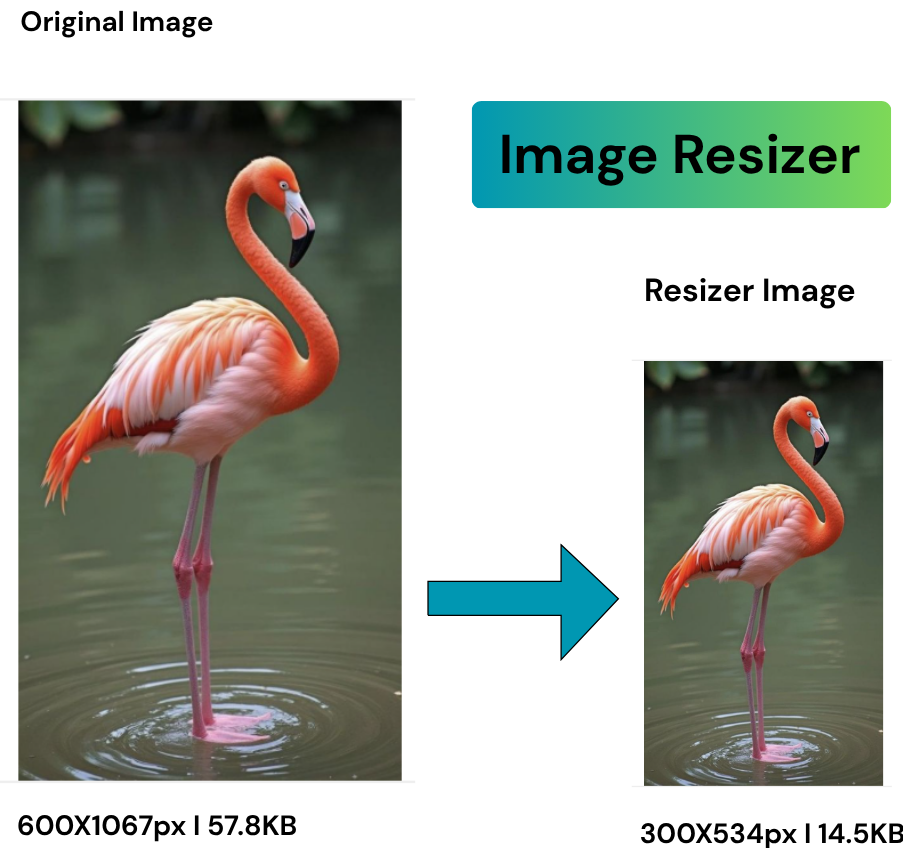
Image Resizer
Resize images for social media, websites, or print while maintaining quality. Optimize for Instagram, Facebook, Twitter with preset dimensions or custom sizes.
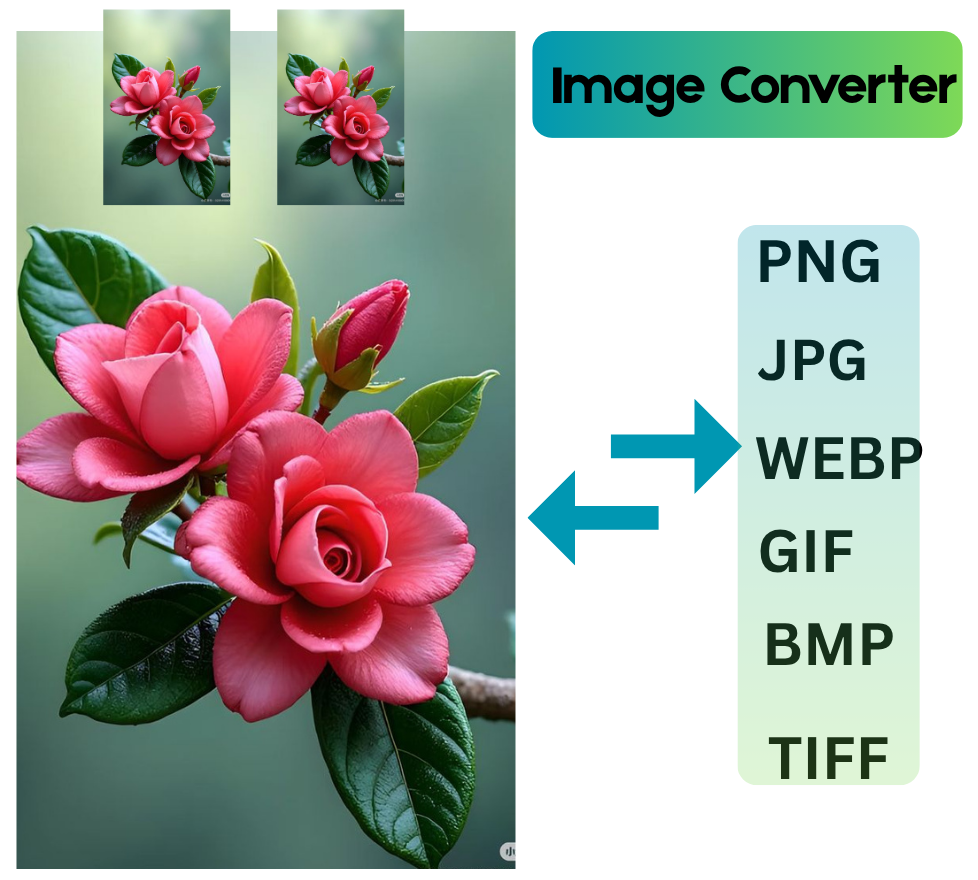
Image Converter
Convert between JPG, PNG, WEBP, GIF and more. Batch conversion available.
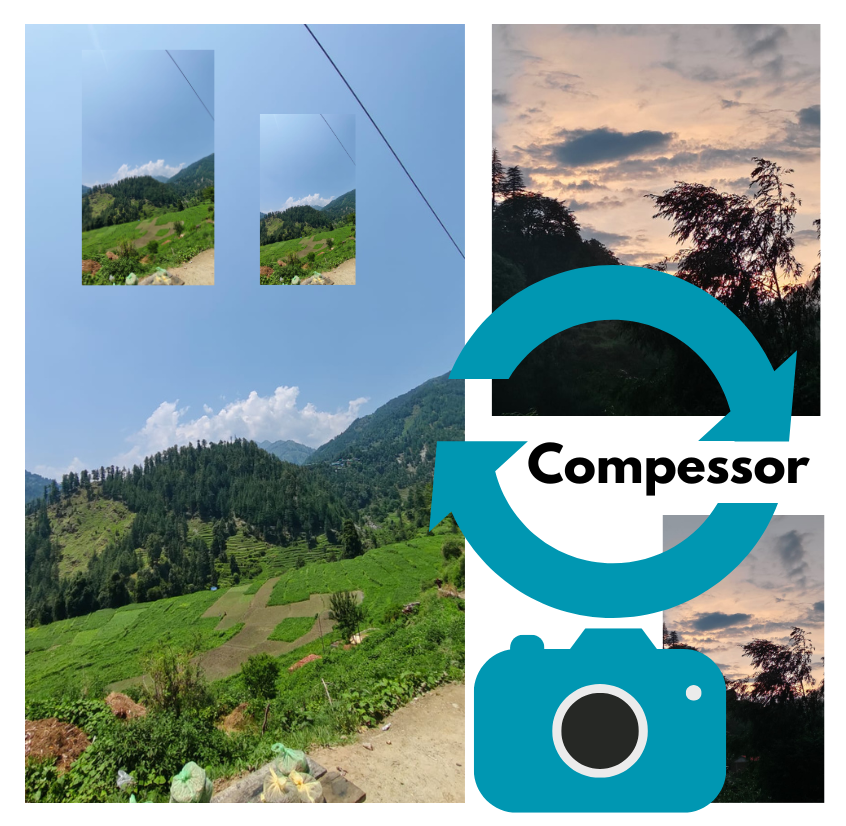
Image Comressor
Reduce image file size without visible quality loss. Perfect for web optimization.

More Tools Coming
We're constantly adding new features based on your feedback!.

Why Choose PixTools
We provide the best online image editing experience with powerful features

Lightning Fast
Our tools process images in seconds using advanced algorithms and cloud computing.

Secure & Private
our images are processed securely and never stored permanently on our servers.ting.

No Installation
Works directly in your browser. No software to download or install

High Quality
Maintain image quality while editing. Advanced algorithms prevent quality loss.

Secure & Private
Premium users can process multiple images at once to save time.

Precision Controls
Fine-tune every aspect of your edits with professional-grade adjustment tools and presets.
Ready to Edit Your Images?
Join thousands of users who trust our tools for their image editing needs.
Get started for free today!
FAQs About Background Removers
Q1: What is a background remover?
A background remover is a tool that deletes the back part of a photo and keeps only the main subject. For example, if you take a picture of yourself at school and want to remove the messy classroom, a background remover can help.
Q2: Which is the Best Background Remover Tool Online | Fast & Free Image Editing?
The best one is a tool that removes backgrounds in seconds, gives you clear results, and is simple to use. You don’t need editing skills—just upload your photo and it’s done.
Q3: Can I use a background remover on my phone?
Yes! Many tools work on both phones and computers. You just open the app or website, upload your picture, and the background disappears.
Q4: Do I need to pay for background removal?
Not always. Many tools are free for basic edits. Some may charge for high-quality downloads, but most people can use them without spending money.
Q5: Why do people use background removers?
People use them to make photos look clean and professional. Students use them for projects, businesses use them for ads, and kids use them for fun photo edits.
Q6: Can I add a new background after removing the old one?
Yes! You can replace the background with anything—a beach, a solid color, or even space. It’s a fun way to get creative.
Q7: How safe is it to use a background remover online?
It’s safe if you use trusted websites. Just don’t upload private or personal pictures to unknown sites.
Q8: Why is the Best Background Remover Tool Online | Fast & Free Image Editing so popular?
Because it saves time, gives quick results, and doesn’t cost money. People love tools that are easy, fast, and free.
